
Product configurator for your entrance solution
The Record product configurator is a design and visualization tool that lets you configure and preview entrance solutions using augmented reality (AR) or your own project images.
Design with clarity. See it in your environment.
Our configurator enables you to:
- Design a solution tailored to your space and requirements
- Visualize how it integrates with your building and architecture
- Optimize flow, layout, and positioning before installation
- Customize dimensions, finishes, and configurations
- Share realistic concepts with stakeholders for efficient decision-making
With Record, you move from concept to a well-integrated entrance solution that supports smooth movement, fits your space, and enhances the overall environment.

Product AR Tool
Notice: Activate Fullscreen Mode to experience the full functionality of the AR application. To enable Fullscreen Mode, click the "Fullscreen" menu item. To exit Fullscreen Mode, click the "Exit Fullscreen" button again or press the ESC key on your keyboard.

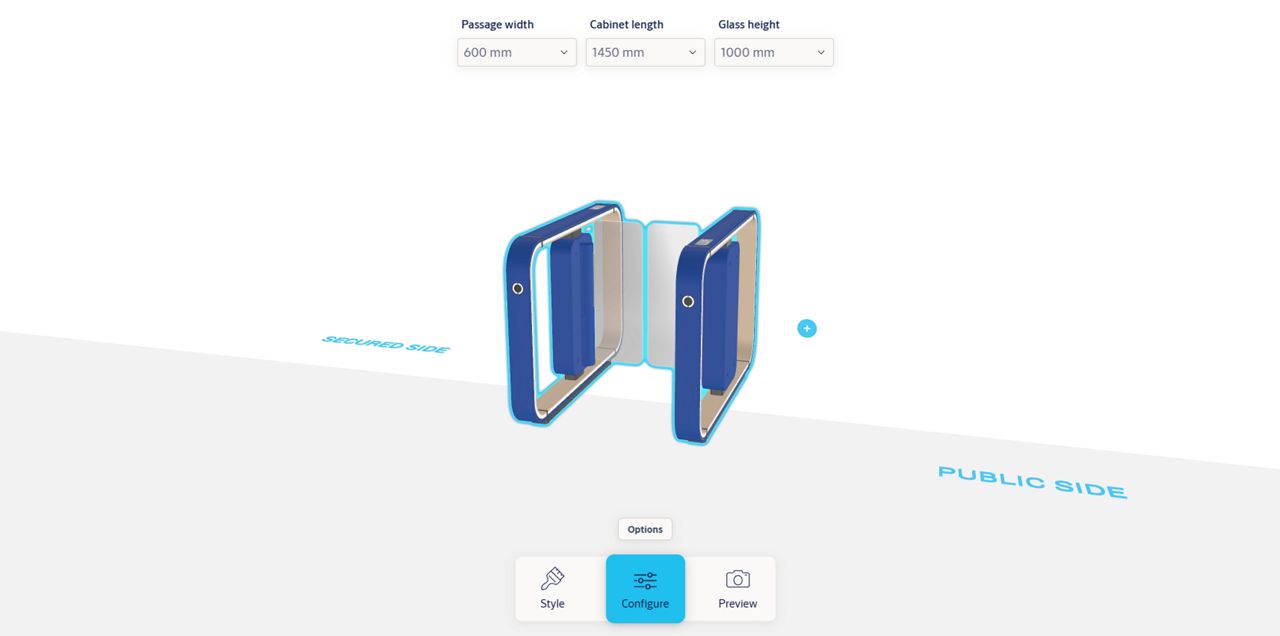
Configure and see your solution in context
Utilize the entrance solution configurator to explore layouts, finishes, and accessories, and bring your design to life with a realistic preview. Visualize how your entrance system will look and perform in your building environment before installation.
See it in your environment
Bring your design into context before finalizing the design.
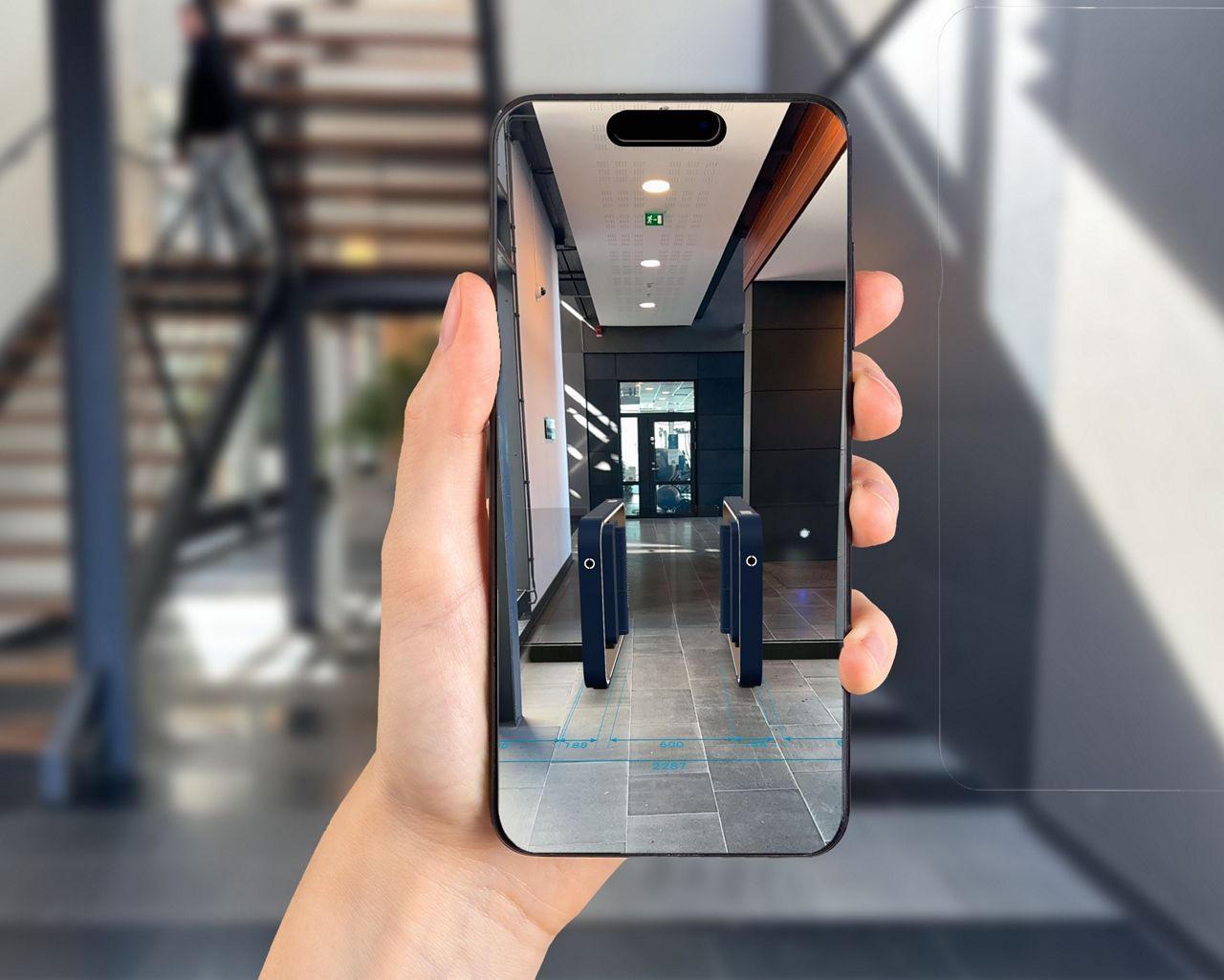
- Live AR preview: Use your phone or tablet to place your customized entrance solution directly into a live view of your building, helping you assess scale, positioning, and integration in real time.
- Photo integration: Upload a project image and overlay your configured solution to evaluate fit, aesthetics, and layout — ideal for sharing realistic concepts with clients and stakeholders.*
*Note: By uploading an image, you confirm that you own the rights to the content or have permission to use it, and that it does not violate any applicable laws or third-party rights.

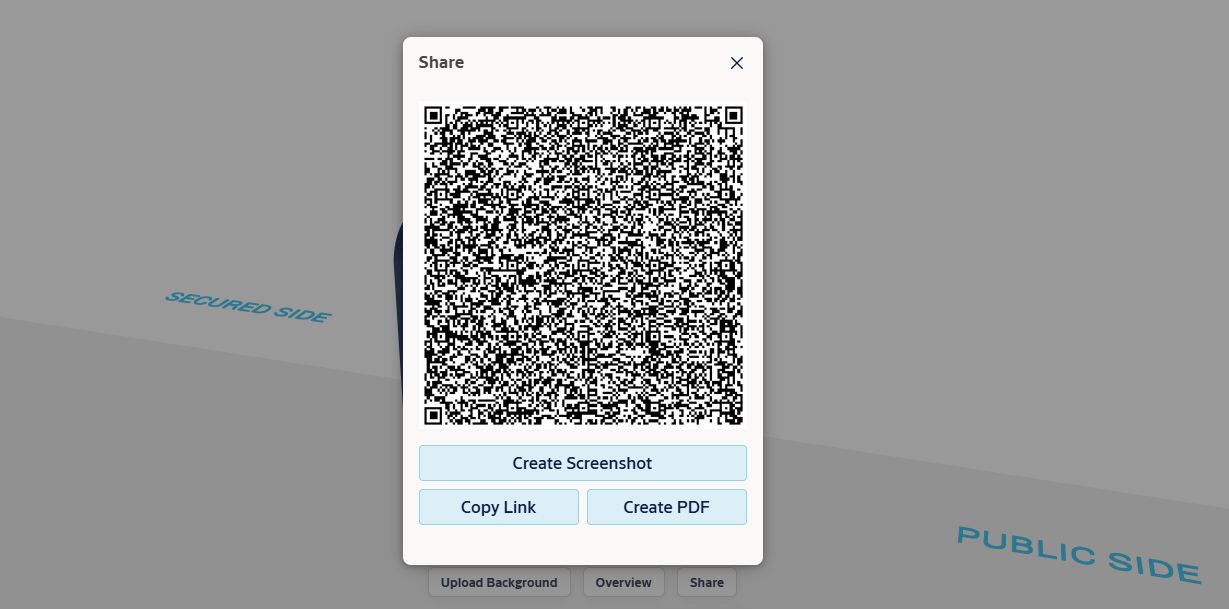
Seamless sharing
Keep projects progressing smoothly with flexible sharing across teams and stakeholders.
- Share configurations instantly: Generate a QR code, create a PDF summary, or easily copy link of your configuration. Recipients can open the exact configuration directly from the shared link without recreating it manually.
- Align stakeholders: Present clear and consistent configurations so everyone—from architects to decision-makers—shares a common understanding of the solution.
- Streamline decision-making: Reduce back-and-forth with ready-to-use materials that support faster feedback and approvals.
Please note that the browser URL cannot be used for sharing a configuration. To ensure the complete configuration is transferred, always use the link generated via the Share button.

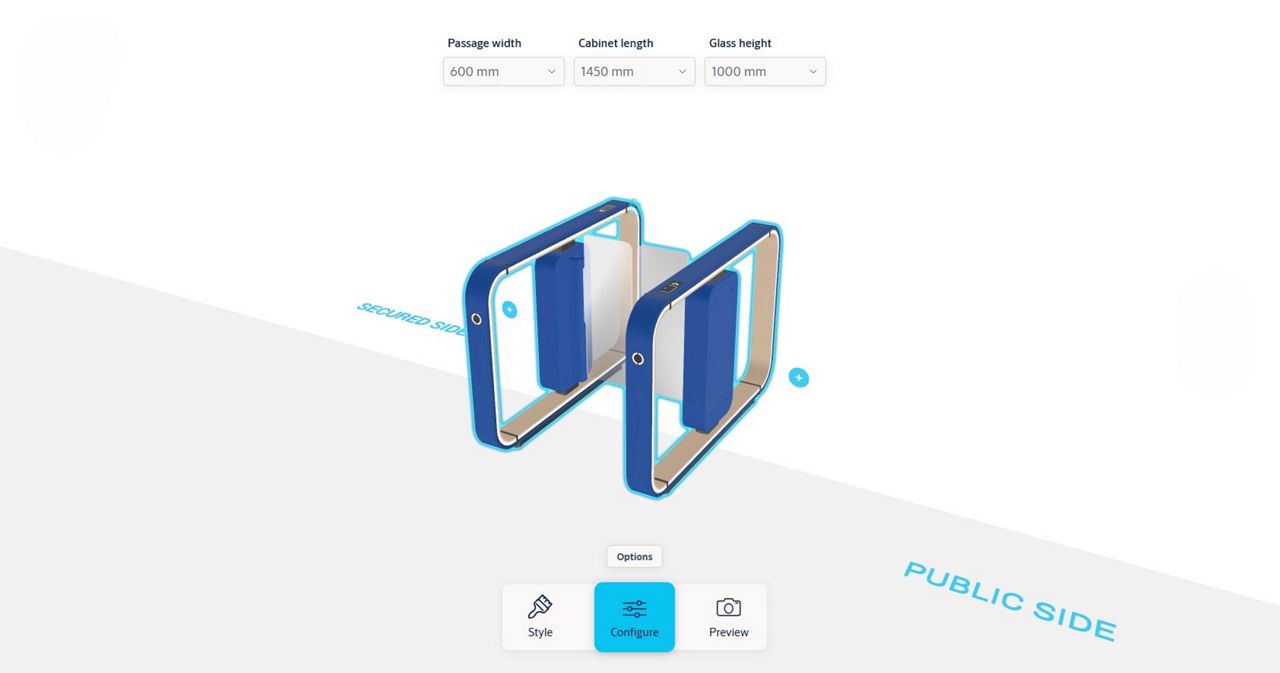
Configure every detail
Sizing made simple
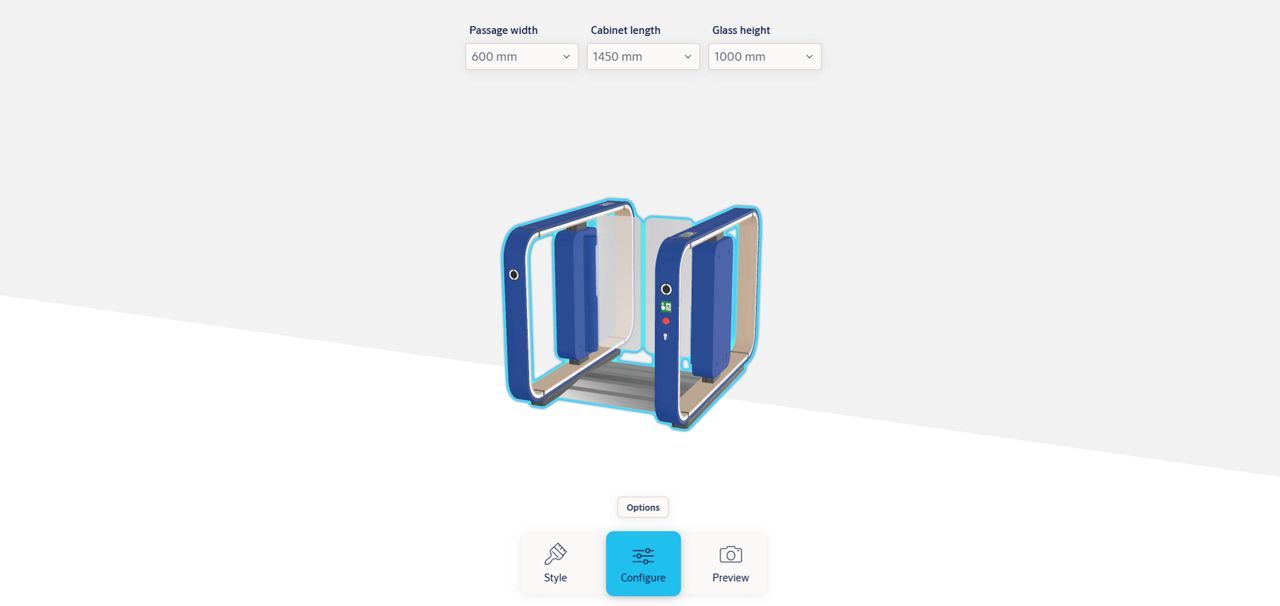
Adjust width and height of cabinet, glass leaves and clear passage width to fit your unique layout.
Finish flexibility
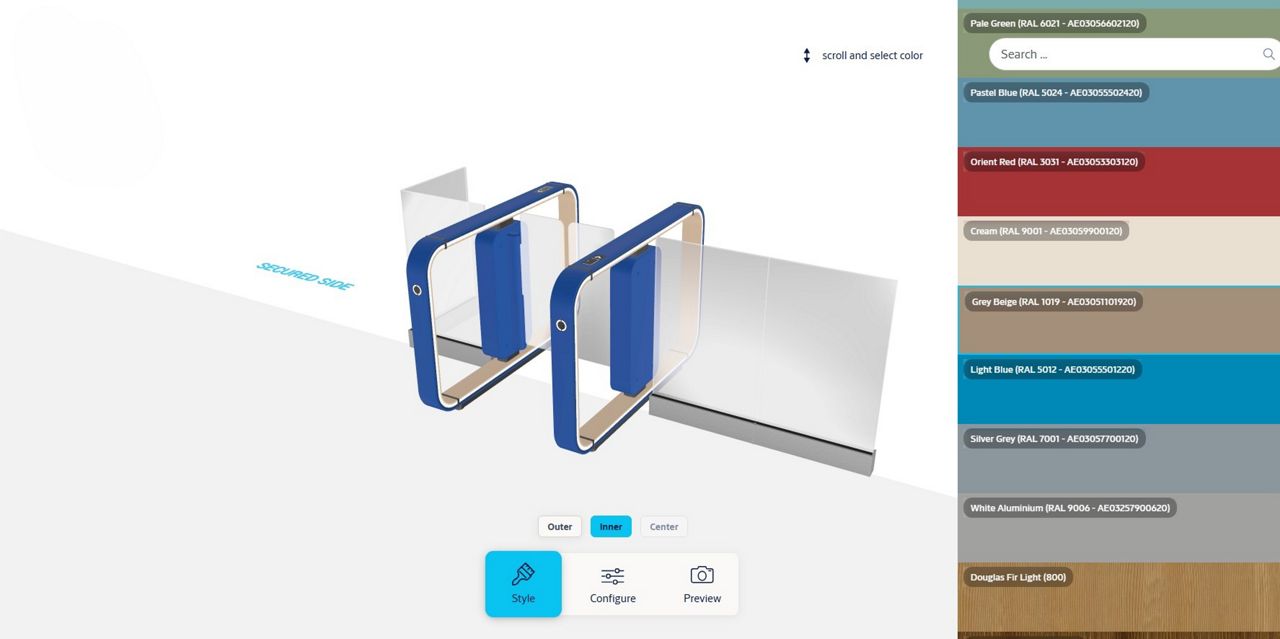
Apply any powder coat color or prestige decor to the outer, inner and center cabinets to explore looks from subtle to bold.
*Note: Colors and finishes shown in AR are indicative and may differ from the final product. We recommend confirming your selection with physical color samples.
Design variants
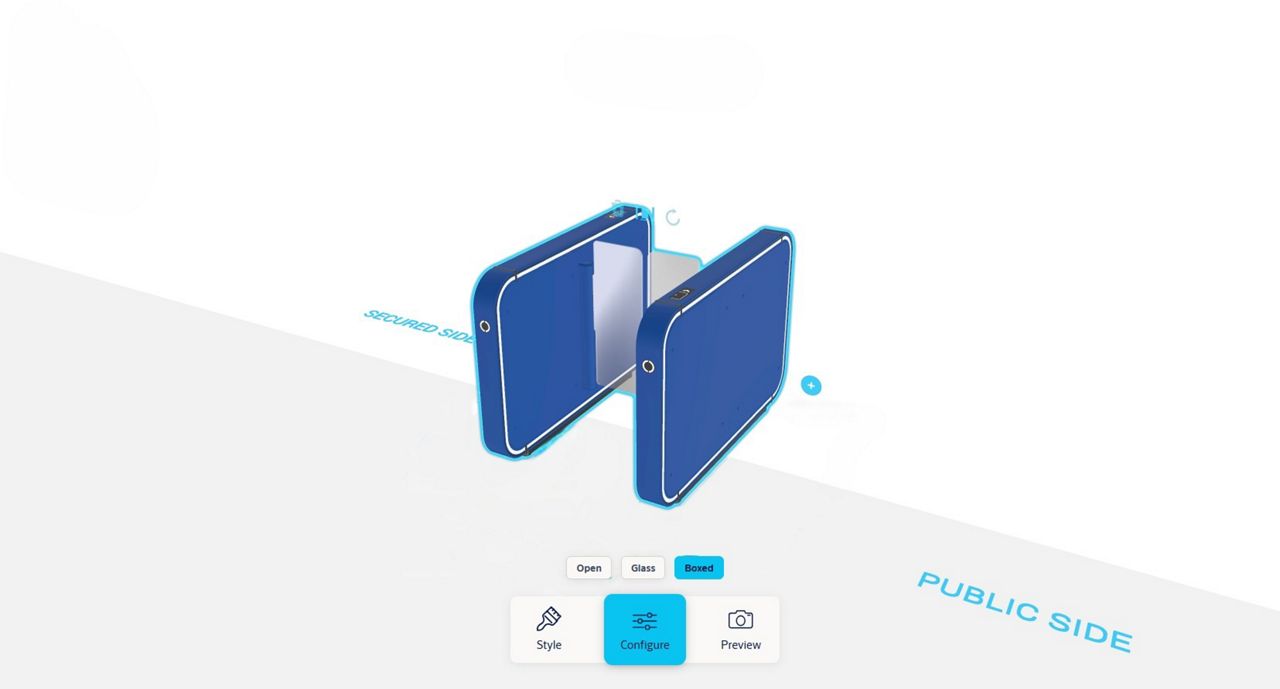
Choose open, boxed or glass cabinet styles to match your architectural intent.
Secure & non-secure area separation
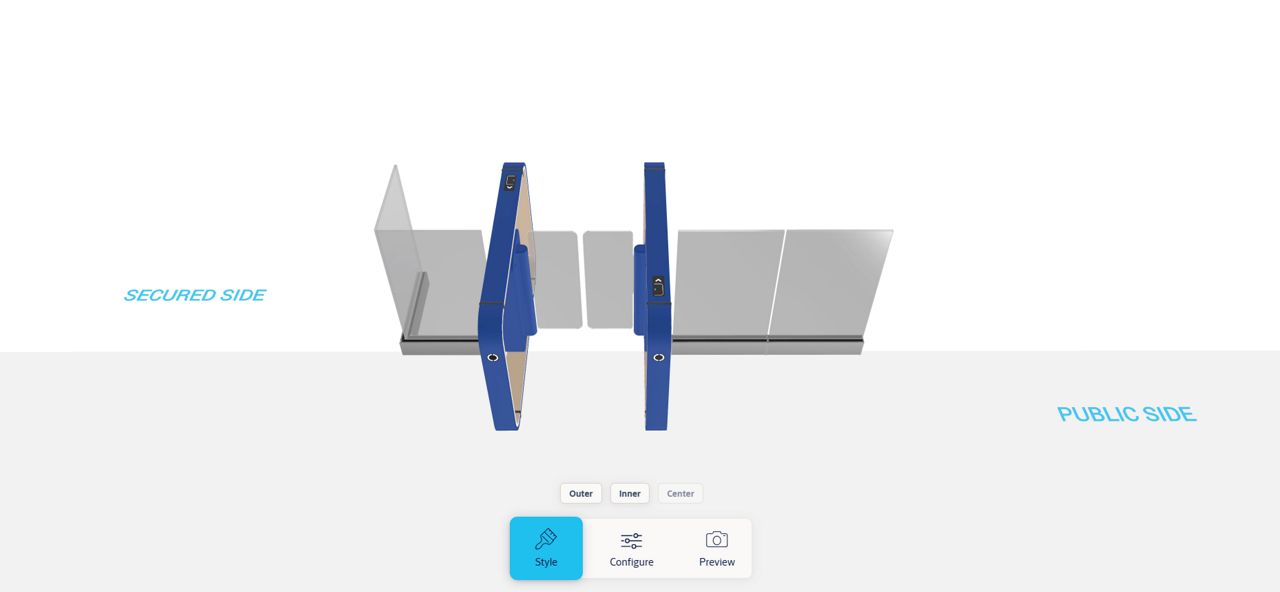
Add side glass panels to fill the remaining space, extending the separation between the secure and non-secure area.
Optional accessories
Visualize the speedgate with emergency exit buttons or a ramp for finished floor installation.
Start designing your entrance solution





Recommended devices
Please refer to the list of recommended devices for optimal use of the AR tool. Devices not listed may still function; however, they are not officially supported and may result in reduced performance, limited functionality, or improper rendering of the AR experience.
Need help specifying or ordering your speedgate?
Have questions or want expert input? Reach out to discuss your project, and we’ll help you turn your virtual design into a real‑world solution.
Featured products
Record Impression Speedgate
Record Impression Speedgate - Shape new paths
